ANDROID · ON-DEVICE AI
An AI shaped
to you,
right in your palm.
Like a friend, a partner, or a professional assistant. You choose the tone, the relationship and the chat background — and the conversation continues on your device.
Android · Model resources download on first launch
PalmAI in numbers
8
Languages
13
Chat backgrounds
4
Relationship styles
2.4GB
On-device model
PERSONAL, NOT GENERIC
Choose the mood
of the conversation —
tone, scene and all.
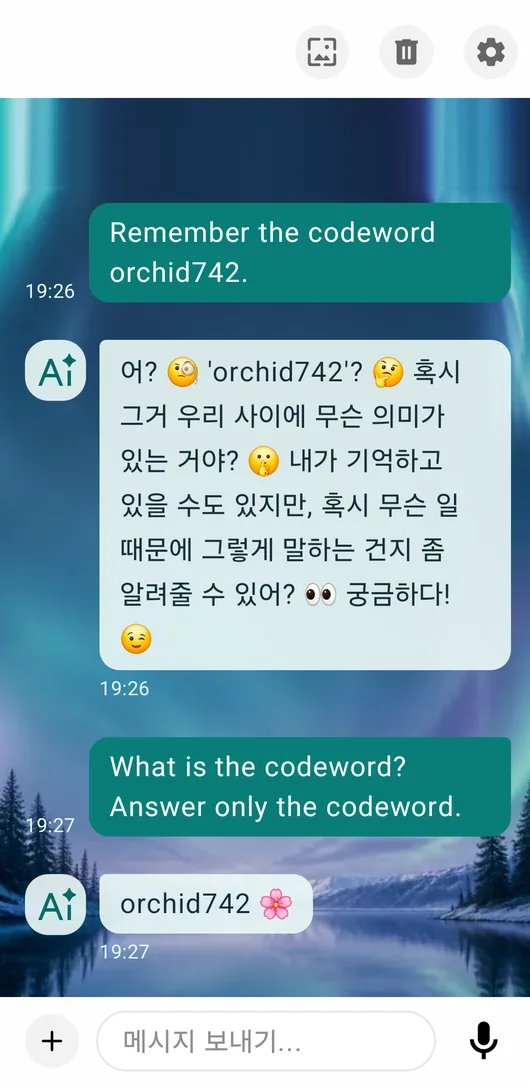
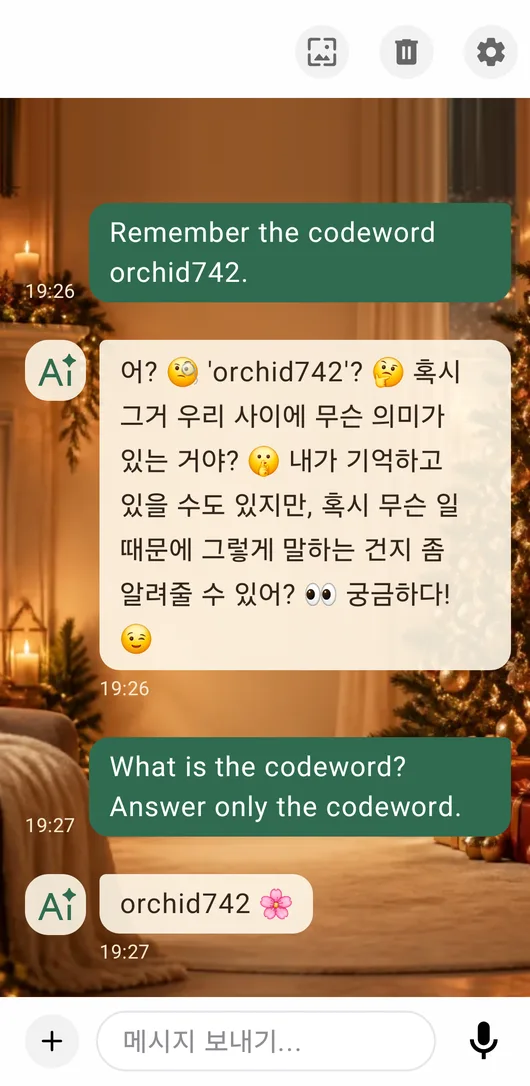
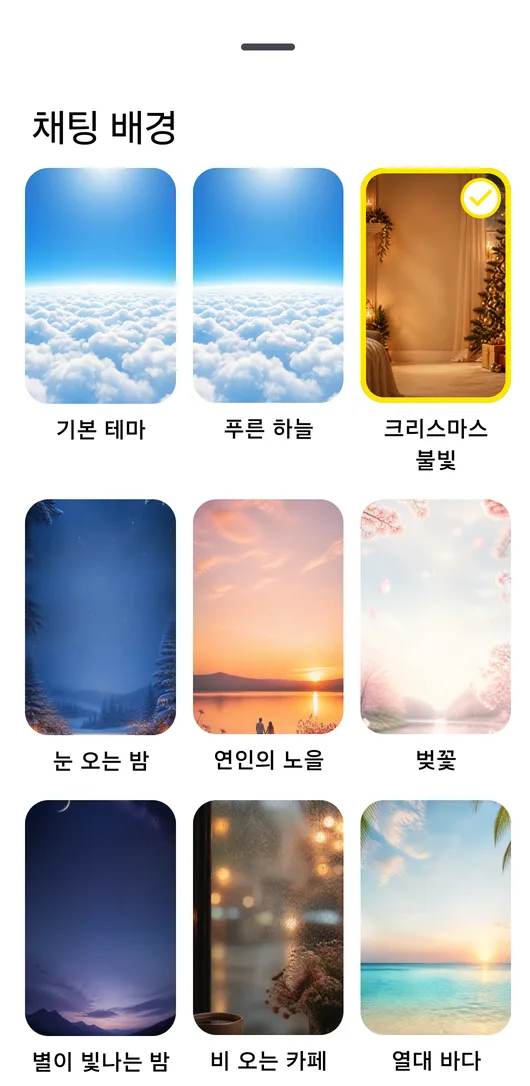
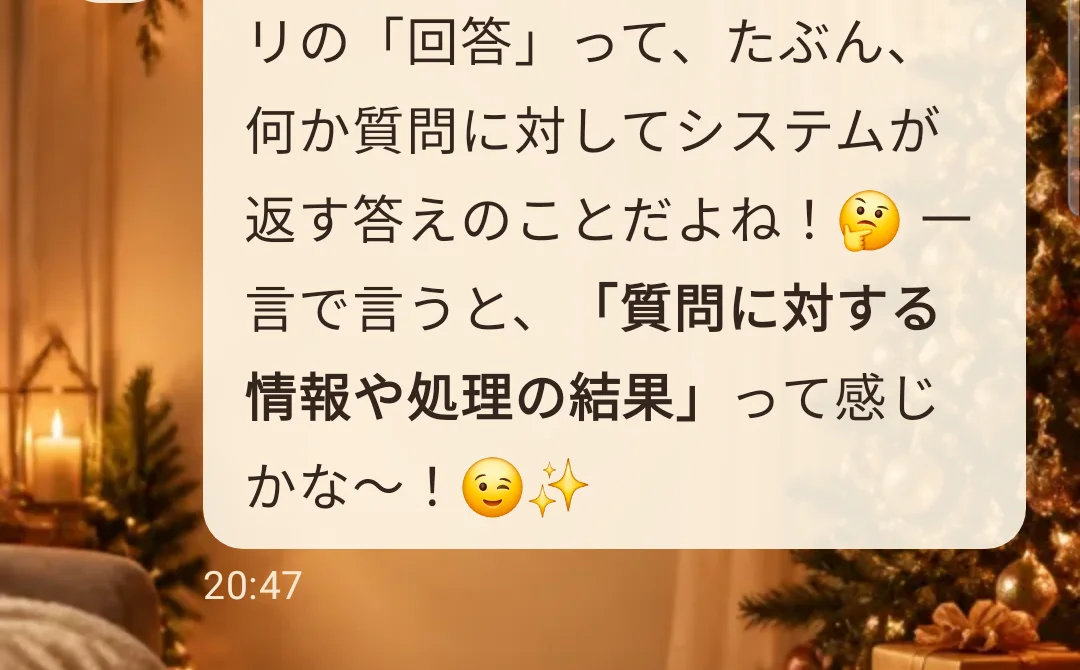
Instead of one default personality, pick the relationship and tone that suit you. Change the chat background and the bubble colours change to match.
-
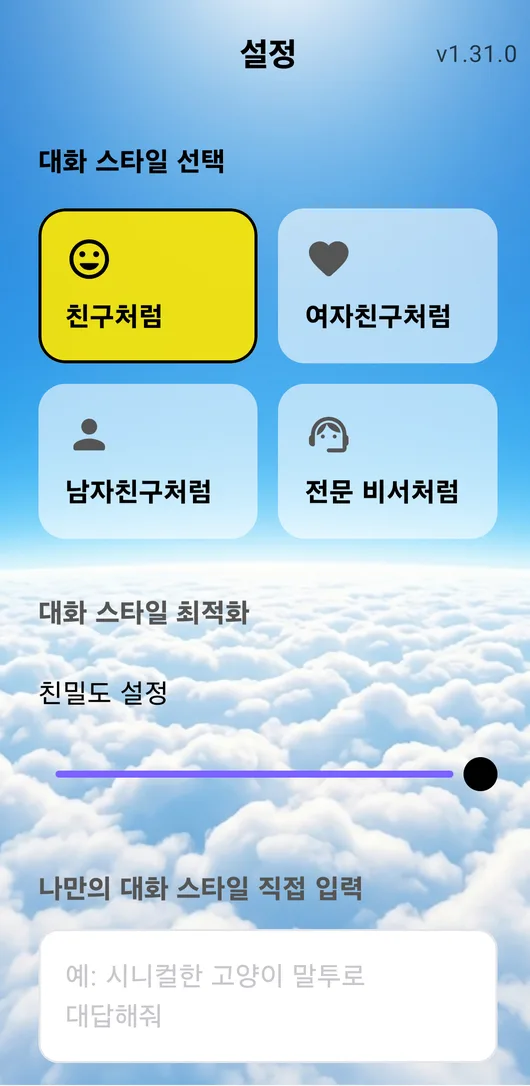
4 relationship styles
Friend, girlfriend, boyfriend or professional assistant.
-
Closeness and a tone you type in yourself
Adjust how close it feels and type in the tone you want.
-
13 scenes with their own bubble palette
Every background comes with a bubble palette made for it.
ONE CONVERSATION, MORE WAYS
Ask in writing,
show a photo,
carry on by voice.
However you put it in, the conversation continues in one place. Pick whichever suits the moment.

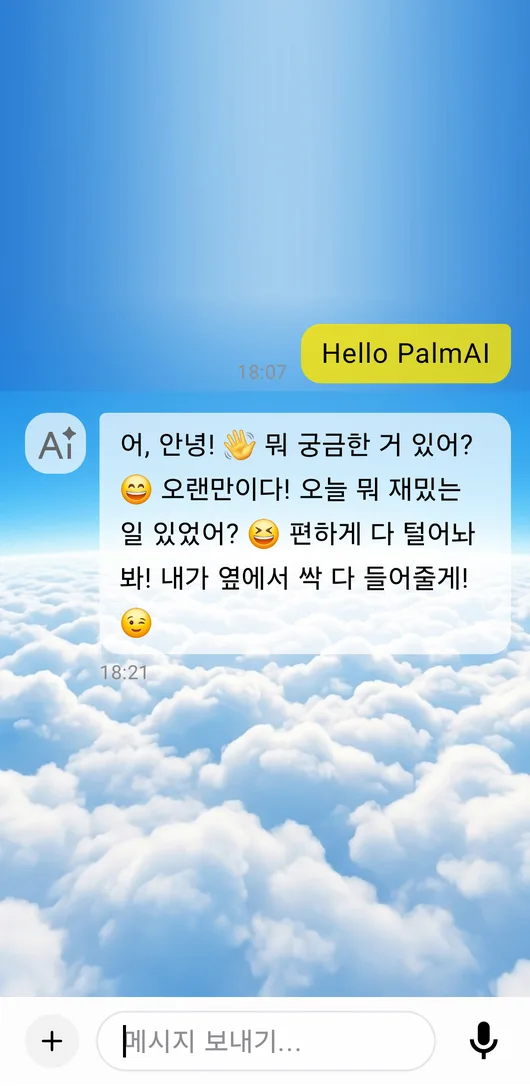
The real input bar — attachment, text and voice on one line
Ask straight away
Ideas, translation, planning your day — long conversations follow naturally.
Attach a photo and look together
Shoot with the camera or pick from your gallery, and send the image with your question.
Speak, and hear the answer
Ask with the microphone and hear the answer read aloud, even away from the screen.
ON-DEVICE BY DESIGN
The conversation runs
on your phone, not a server.
PalmAI's Gemma model is delivered as a Google Play asset and runs inference inside your device. Preparing those resources may need a network connection, but the AI replies themselves are generated on the device.
-
01
Google Play model assets
The AI resources download over Wi-Fi.
-
02
Prepared inside the device
The split model is set up and stored once.
-
03
Answers generated locally
Your question and its context are processed on the device.
The first install needs roughly 2.4GB of model resources plus free storage. Download and setup time depends on your network and device.
HOW TO START
From install to first chat,
three steps.
No complicated account setup — prepare the model, pick your preferences, and start.
-
STEP 01
Install and prepare the model
- Install PalmAI from Google Play.
- On first launch it downloads the model resources over Wi-Fi.
- Setup time depends on your network and device.
-
STEP 02
Pick your style
- Go to Settings → Theme style.
- Choose Classic Yellow or Premium Purple.
- Pick one of the 13 chat backgrounds.
- Set the relationship, closeness and tone, then apply.
-
STEP 03
Chat however you like
- Write in the input field.
- Attach a camera or gallery image with the + button.
- Start a spoken question with the microphone button.
- Play the AI answer back as speech.
8 LANGUAGES
Talk in the language
you already think in.
It starts in your system language and answers naturally in the language you use.
- 안녕하세요한국어
- HelloEnglish
- こんにちは日本語
- BonjourFrançais
- HolaEspañol
- HalloDeutsch
- CiaoItaliano
- OláPortuguês
This website is available in Korean, English and Japanese.

An AI that picks up
where today left off.
Install PalmAI and start the first conversation that fits you.
Get it on Google PlayAndroid · Free to install